 SpinWheel
 7
7Raffle Wheel for a Fair Ticket Draw Online
Paste sold ticket numbers on this raffle wheel, open full screen on the gym projector, and spin once. Turn on Remove Winner for the next prize. Free in the browser.
Be the first to review
Share a quick rating if this page helped you.
Share your experience and help others
Review policyThis raffle wheel draws one sold ticket while the room watches. Paste the stubs, open full screen, and spin once. We designed this wheel for situations where the audience needs to see the entire draw: from the ticket list on screen to the final winning ticket.
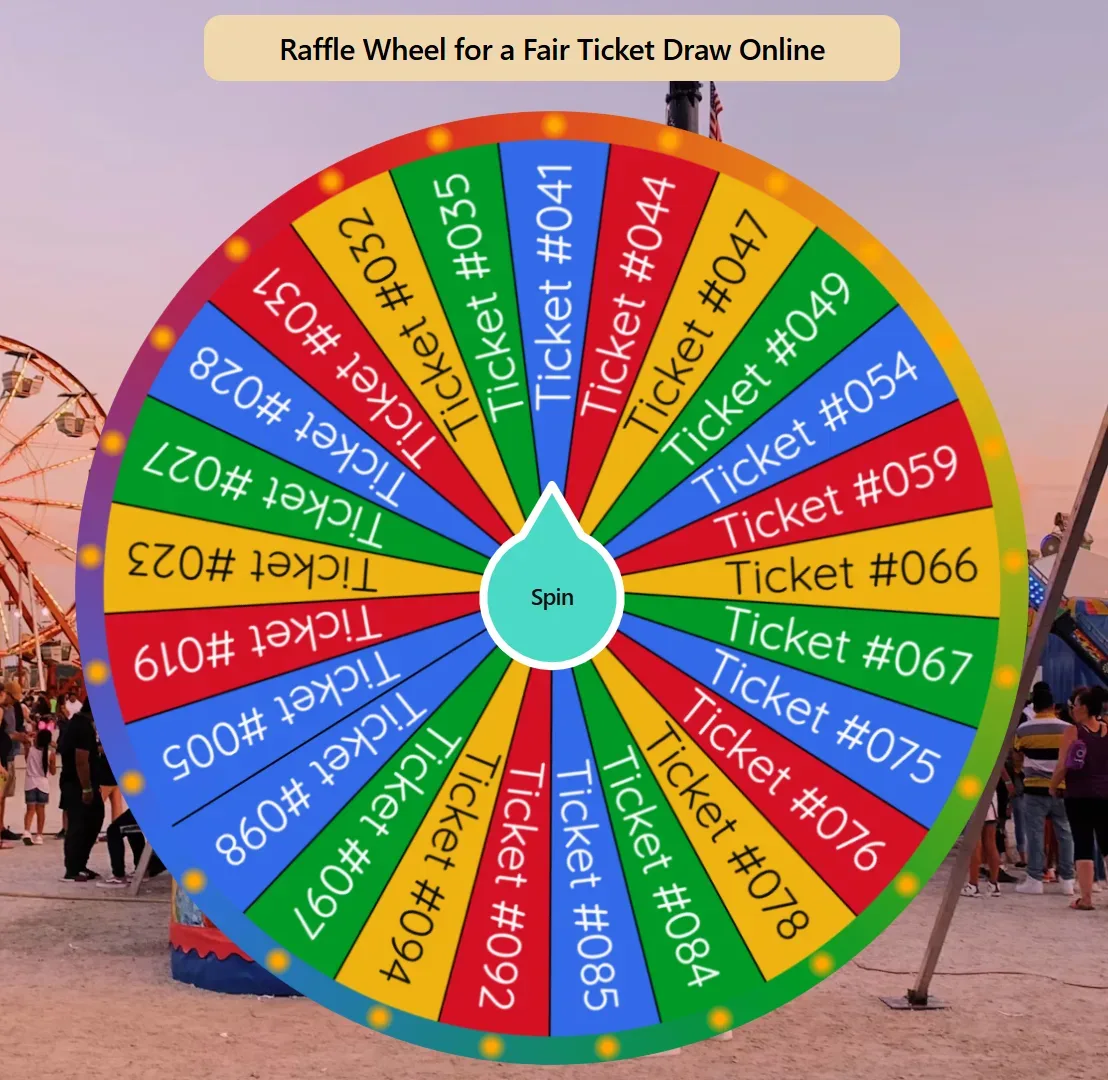
How this raffle wheel runs a fair ticket draw online
That is why the raffle wheel supports fullscreen, Remove Winner, a shareable wheel, and random selection in the browser. Swap the sample numbers for the tickets you sold. For a live draw, a smaller number of short labels is easier for the audience to read. Run one spin for each prize. Chat names stay off this list.
Each spin uses crypto.getRandomValues in your browser. Each ticket entered on the wheel has an equal chance of being selected. If someone bought three tickets, all three tickets should be entered separately, giving that person three entries. No app. No account to try.
Turn on Remove Winner before the first prize so that stub cannot win the next one. Share the link with a co-host. Need empty slices and a list you will type from scratch? Make a blank wheel.
How to run tonight's ticket draw
Paste tonight's ticket numbers. Type or paste the sold stubs, one per line. Fix a late sale or a typo before you spin.
Turn on Remove Winner. Leave it on for a prize table so the winning stub drops off before the next spin.
Open full screen. Use fullscreen in the browser so the wheel fills the display. A projector or large monitor works.
Click Spin and announce the stub. Call the landing ticket out loud so the room hears the same number they see on screen.
Spin again for the next prize. Draw from the remaining tickets. Copy the wheel and send the link so a co-host opens the same list.
Need a different prize list later? More Giveaway and Lucky Draw wheels. If you only need a number from a range and the room does not need to watch a wheel, pick a number without a wheel.
When to use this wheel
School fundraiser
Use numbered ticket stubs on a projector while parents and students watch the draw.
Charity raffle
Keep Remove Winner enabled when drawing several prizes from the same pool of tickets.
Community or club event
Share the wheel with a co-host while displaying the same ticket list on the main screen.
Tips
For a live draw, a smaller number of short labels is easier for the audience to read.
Turn on Remove Winner when you have more than one prize.
Edit a late sale before you spin. Do not leave yesterday's unsold numbers on the wheel.
Use fullscreen so the audience watches the same spin you click.
Copy the wheel and share the link with a co-host.
Put sold ticket numbers on the slices. Not chat handles.
Important: SpinWheelPlus provides the drawing tool only. It does not sell raffle tickets, administer raffles, or determine whether your event requires a permit or license. Check your local rules before running a raffle.
You may also like
Browse popular wheels7Popular Random Tools
Quick randomizers for picks, teams, giveaways, and more