 SpinWheel
Blog and Guides
Every guide and tutorial in one feed: spin wheels, mystery boxes, classroom and giveaway ideas, and our free random tools.

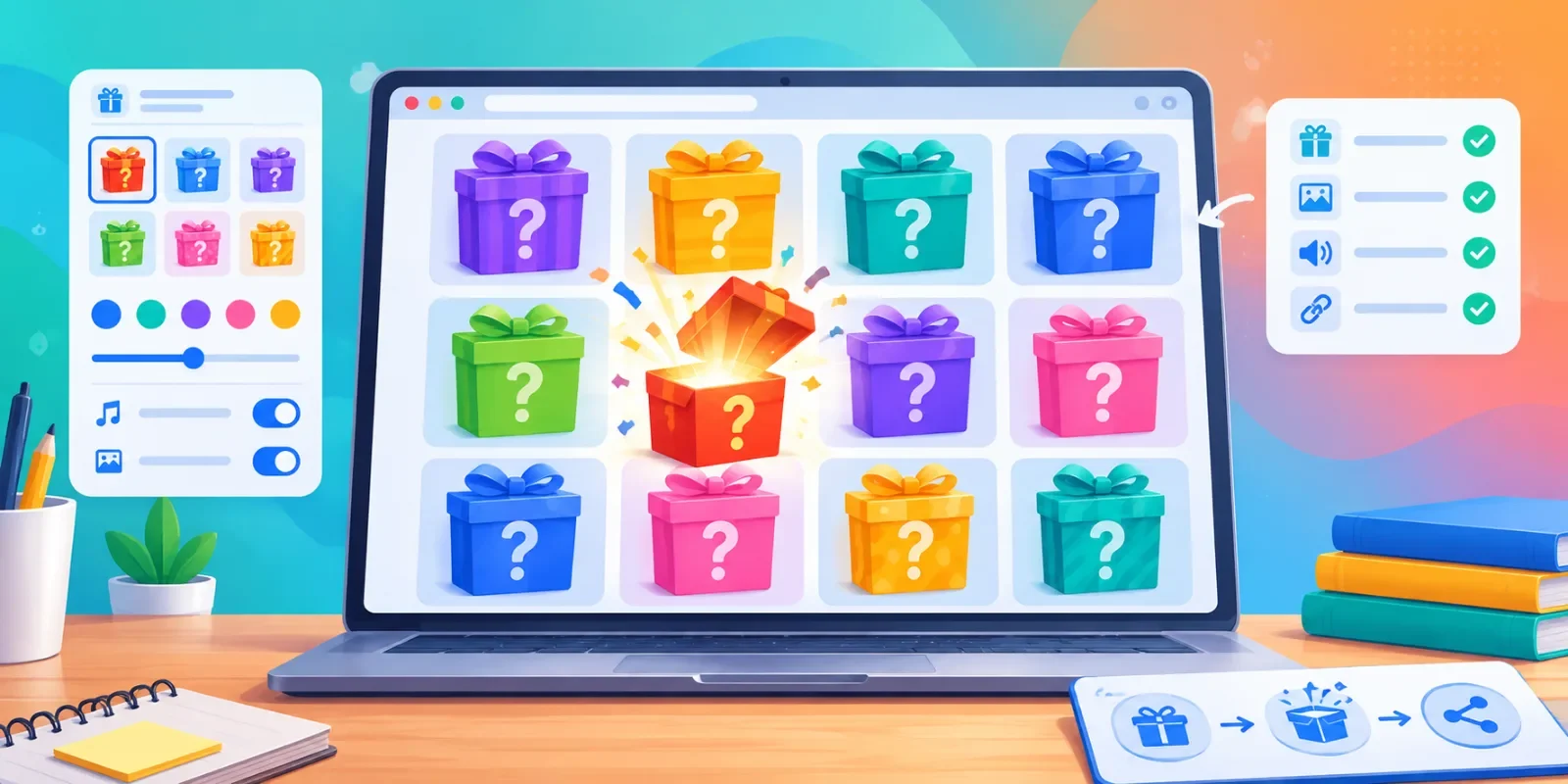
How to Build a Mystery Box Online
Build a free online mystery box for class rewards or stream giveaways: add prizes, pick a play mode, test opens, then share a link on SpinWheelPlus.

Before you use SpinWheelPlus in class
Before a classroom spin, see where the class list sits in the browser, what changes when you save or share, and which picks to keep off the wheel.

How to Play Snakes and Ladders
Nine boards for kids playing together, or for adults with a spare hour. These rules are for these boards. Print or draw one, and roll the die on this page.
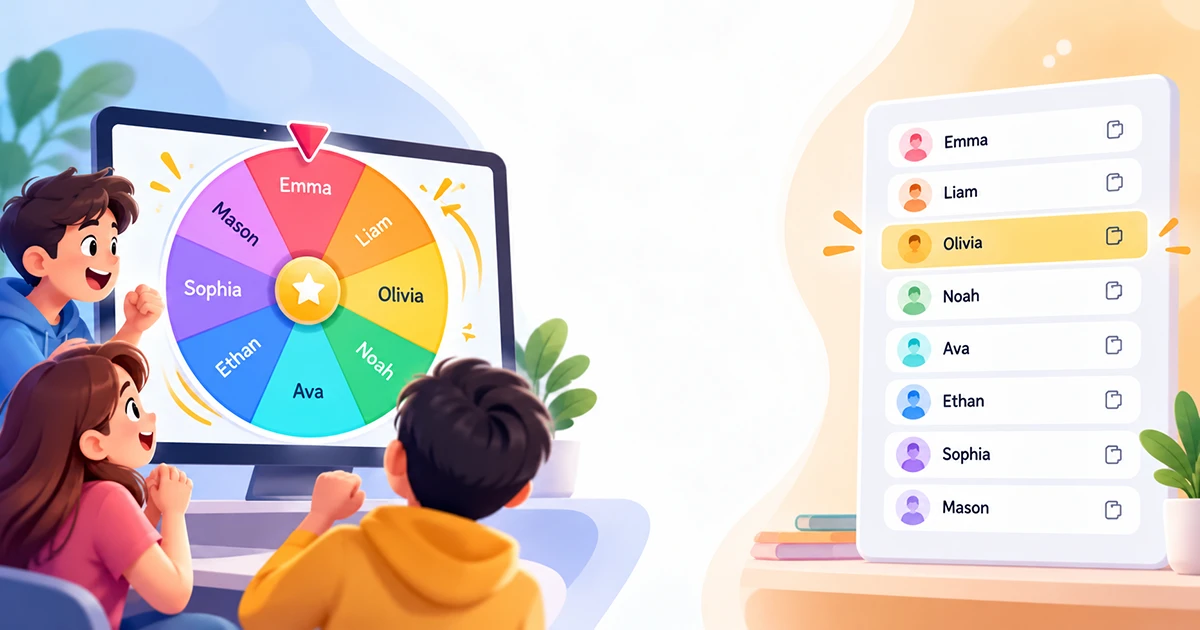
SpinWheelPlus vs Wheel of Names: Which Fits Your Event?
Compare SpinWheelPlus vs Wheel of Names. Explore wheel customization, fast name picking, Google Sheets import, and data storage to find the right tool.

10 Easy Dice Games to Play
Ten easy dice games with the dice you have. See the dice, the players, and who wins for each game.
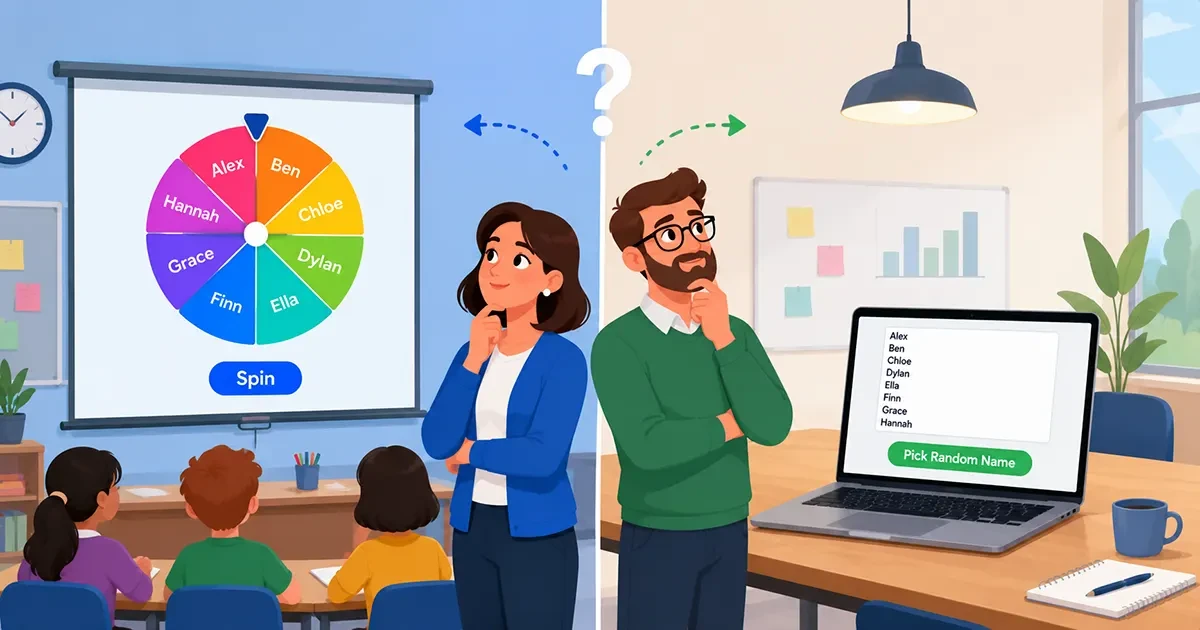
Spin Wheel vs Name Picker: Which to Use
When to spin a wheel vs paste a roster. For teachers and meeting hosts: projector drama vs a fast Pick Random Name. Free in your browser, no install. Try both.
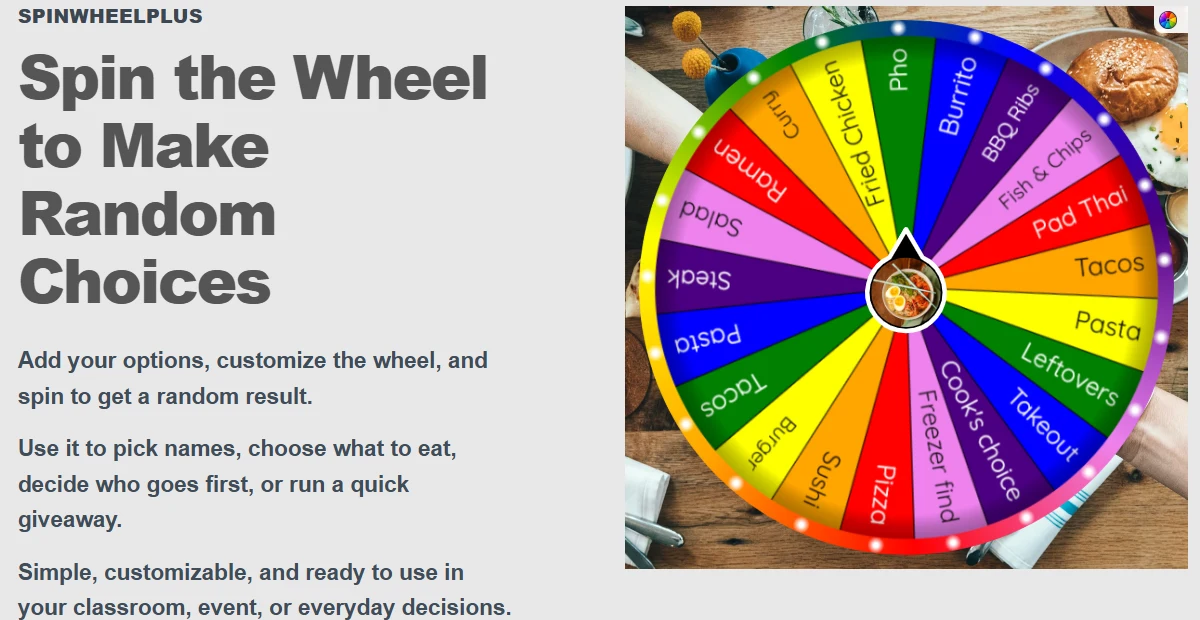
How to Embed a Spin Wheel on Your Website
A practical guide on embedding a spin wheel iframe for web publishers. Use SpinWheelPlus in your browser with fair random results, then use the same pattern for a mystery box.
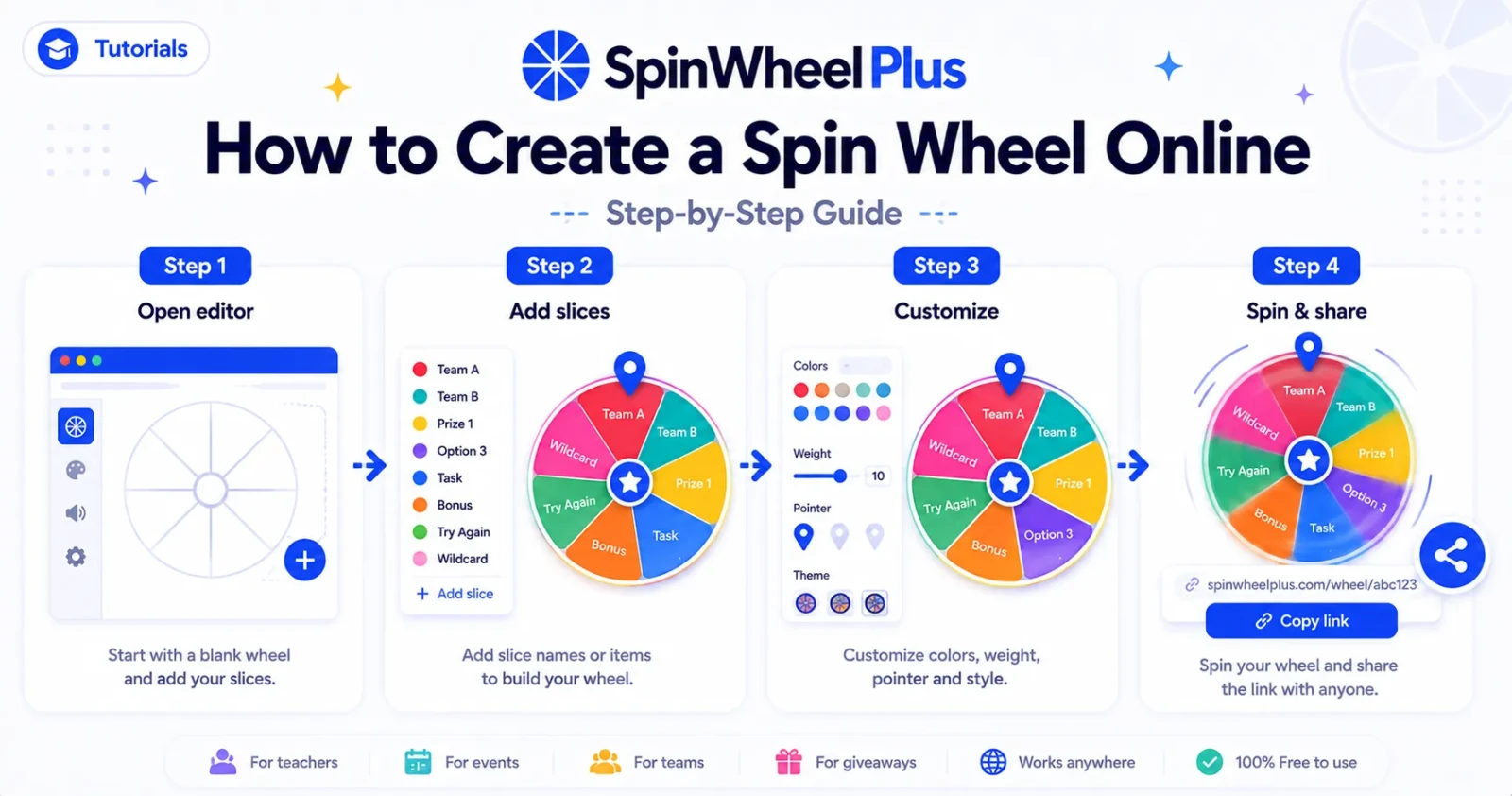
How to Create a Spin Wheel Online
Learn how to create a custom spin wheel in your browser — for teachers and event hosts. Start on the homepage or from a template, then share fair random picks. No install.
8 articles
What this blog covers
SpinWheelPlus is built for fair, visible random picks in the browser: custom spin wheels, mystery box grids, and lightweight tools when you need a quick coin flip or name draw. This blog collects how-to guides, use-case stories, and feature walkthroughs so you can run a better draw in class, on stream, at work, or at home.
Browse all posts here, or filter by topic in the category panel: Guides and Tutorials for step-by-step setup, Use Cases and Ideas for inspiration, plus Announcements and Product Updates when we ship something new. Popular Posts highlights what readers open most; each article points you to the wheels, boxes, or tools it mentions.
Reveals and spins on SpinWheelPlus use secure browser randomness (crypto.getRandomValues on modern browsers) so your audience can watch the result instead of guessing whether you picked favorites. That matters for giveaways and classrooms, but you still choose what goes on the wheel or grid and follow your own rules.
Ready to try it yourself? Open the custom spin wheel, start from a wheel template, build a mystery box prize reveal, or explore free random tools: coin flip, dice, name picker, and more.

Frequently Asked Questions
Ready to make better decisions?
Create your own wheel in seconds and make every decision fun!