 SpinWheel
 4
4Team Building Wheel for Office Play
Spin this team building wheel on the conference-room. Pick a 10-minute office warm-up before stand-up. Edit the list. Free in the browser.
Be the first to review
Share a quick rating if this page helped you.
Share your experience and help others
Review policyThis team building wheel picks the next activity for the group. People are already around the whiteboard. Open it on the laptop, click Spin, and you have a 10-minute warm-up before the meeting starts. No app.
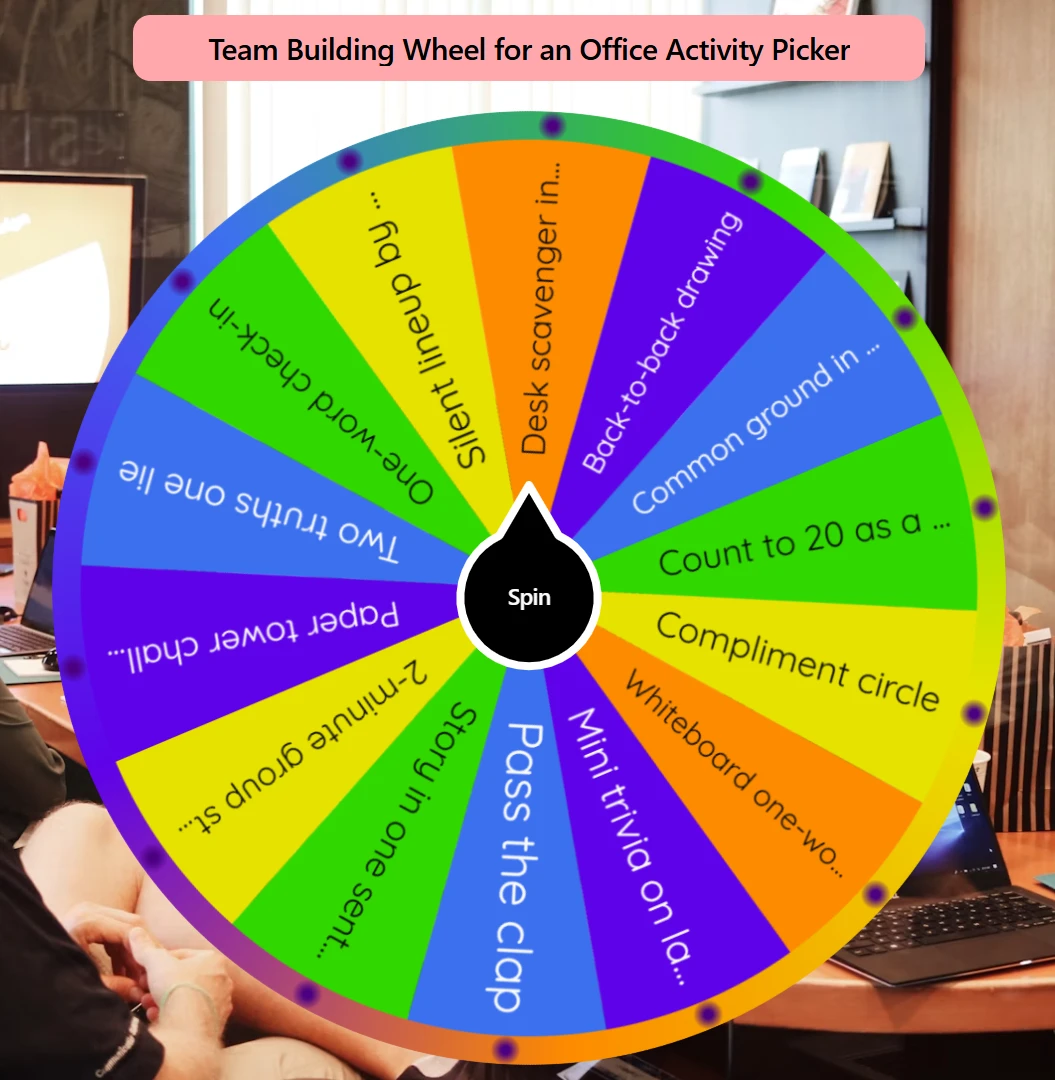
How this team building wheel picks your next office activity
You are choosing what everyone does together, not who sits where. Edit the list so the slices fit this room and this time box: a stand-up, a huddle, or the first minutes of a workshop. Spin so the group can see it. Run that warm-up, then start the real meeting. Some people call this a team spinner. Keep the labels as activities.
Do not put a five-minute check-in next to a half-day outing and treat them as the same spin. Every slice should finish in about 10 minutes.
Each spin uses crypto.getRandomValues in your browser. Every activity still on the wheel has an equal chance.
Turn on Remove Winner so Monday's paper tower does not land again on Tuesday.
If you already know the activity and still need groups, split names into teams. That page splits the roster. This wheel picks what you do.
How to pick the next warm-up
Edit the activity list. Keep about 6-10 short warm-ups the group can finish in this slot. Delete anything that needs a booking or a full afternoon.
Put the laptop where everyone can see it. On the table, fullscreen on a display, or a shared screen if someone is on the call.
Click Spin. Wait until it stops. That slice is the next activity.
Run it. About 10 minutes. Then start stand-up, planning, or the rest of the session. Do not keep debating after the wheel stops.
Turn on Remove Winner if you will spin again this week. Copy the wheel if a co-host needs the same list.
Need teams after that? After you know the activity, you can split names on a visible wheel.
For other wheels in this category, open more Team Building wheels.
When this wheel helps
Before a daily stand-up
The group is already in the room. Spin once on the laptop, run a short activity, then start stand-up.
At the start of sprint planning
People are standing at the whiteboard. You want one quick activity so planning does not start cold. Let the wheel pick it so you are not choosing by taste.
A short huddle or workshop kickoff
You have about ten minutes and a shared screen. Spin, run the warm-up, then move on.
Tips
Keep 6-10 short labels. Long names are hard to read from across the room.
Keep the time box even. Do not mix a five-minute check-in with a half-day outing on the same wheel.
Drop anything that needs a venue or extra gear. If you cannot start it now, take it off the list.
Use Remove Winner when you reuse this list every week.
Keep the wheel visible. Laptop, display, or shared tab. Do not hide the spin on a private phone.
Share the same link so a co-host sees the same list.
You may also like
Browse popular wheels
Popular Random Tools
Quick randomizers for picks, teams, giveaways, and more