 SpinWheel
Tutorials
SpinWheelPlus tutorials with step-by-step walkthroughs for the wheel editor, mystery boxes, tools, publishing, and more.

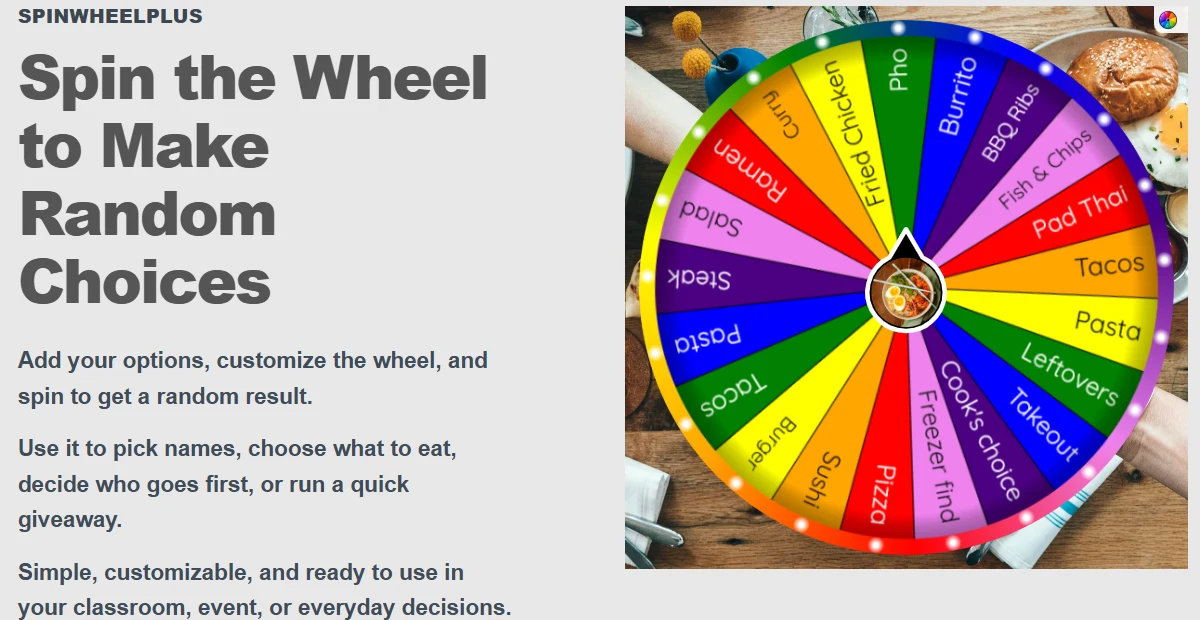
How to Embed a Spin Wheel on Your Website
A practical guide on embedding a spin wheel iframe for web publishers. Use SpinWheelPlus in your browser with fair random results, then use the same pattern for a mystery box.
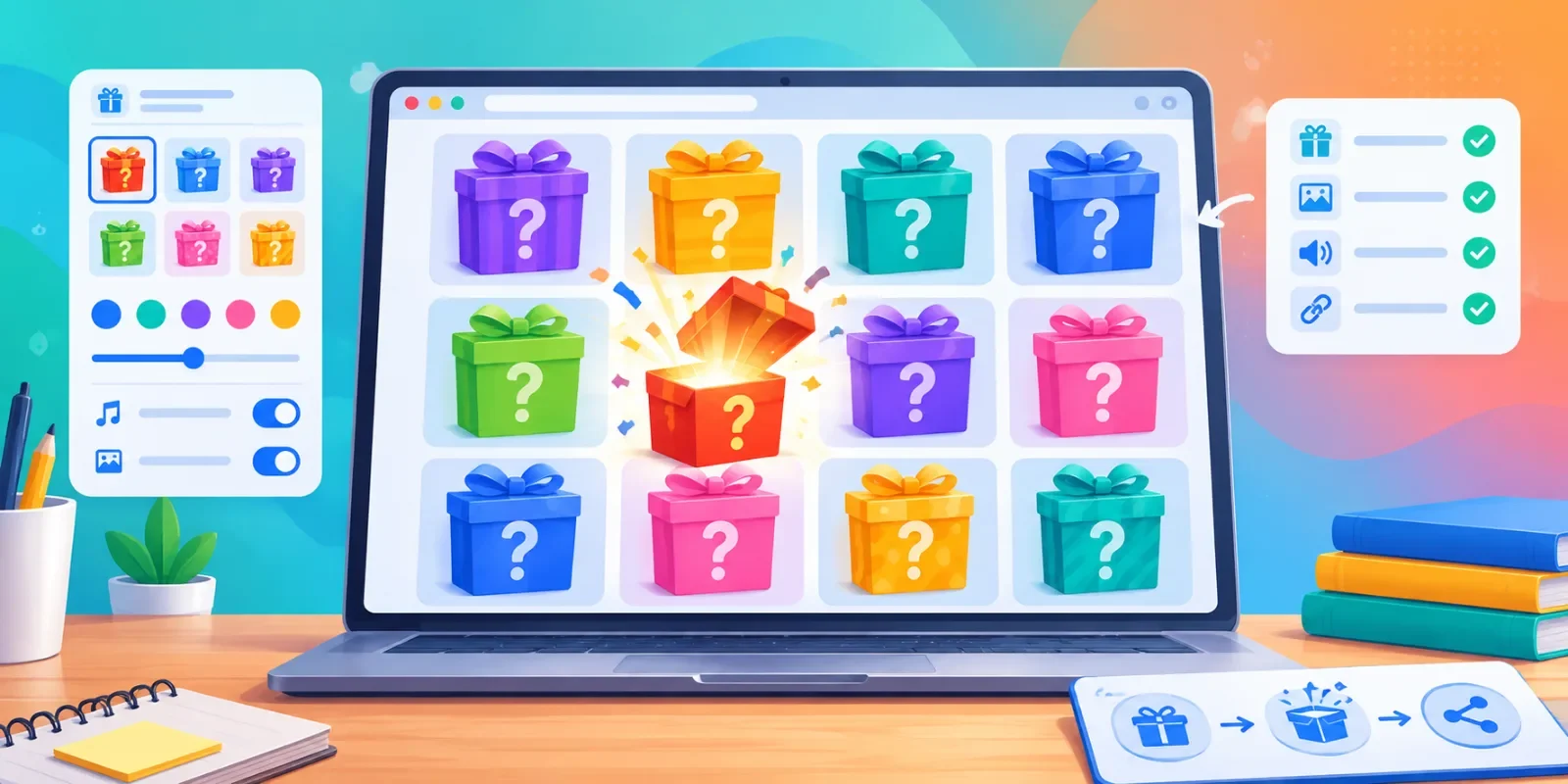
How to Build a Mystery Box Online
Build a free online mystery box for class rewards or stream giveaways: add prizes, pick a play mode, test opens, then share a link on SpinWheelPlus.
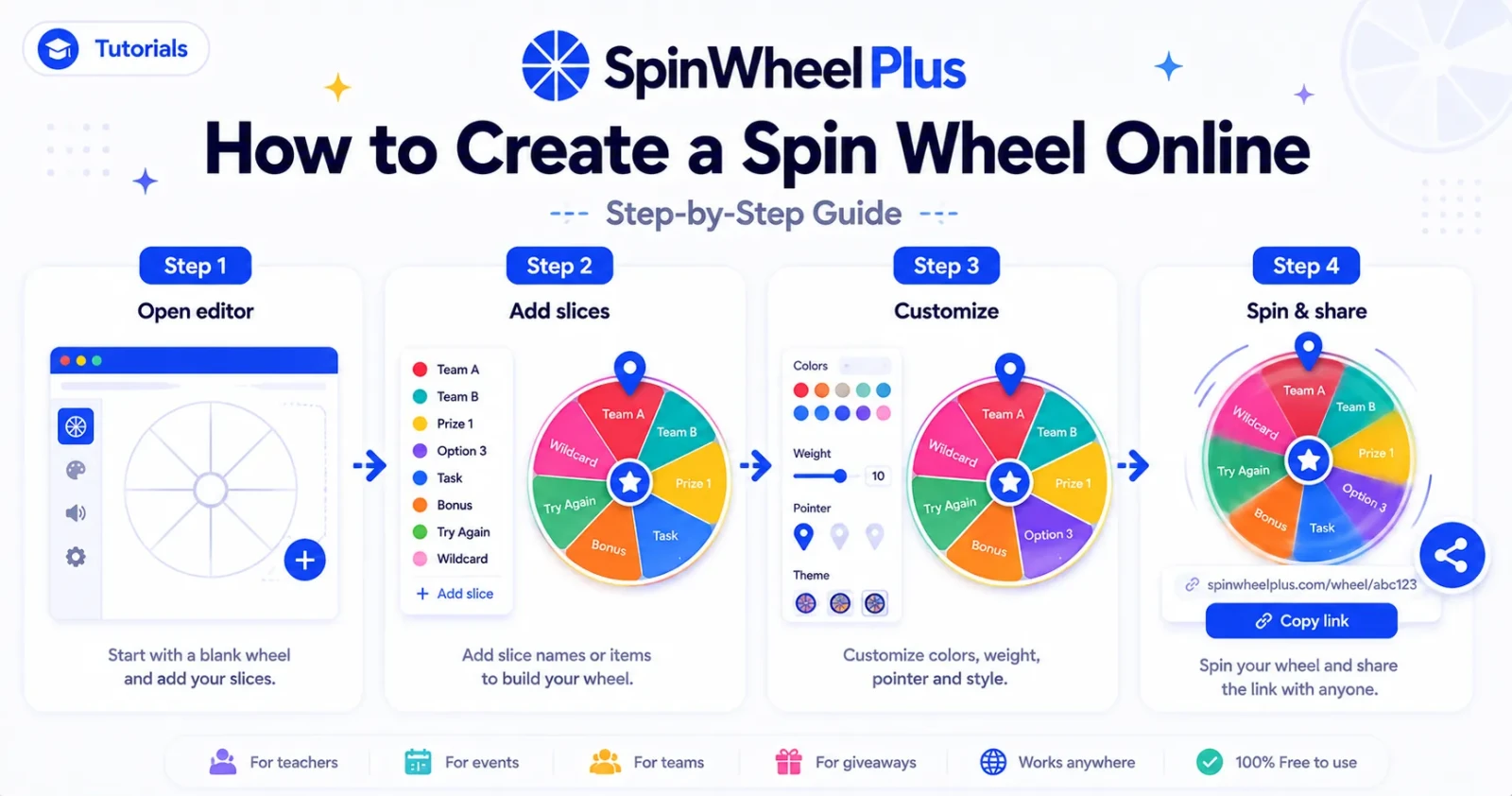
How to Create a Spin Wheel Online
Learn how to create a custom spin wheel in your browser — for teachers and event hosts. Start on the homepage or from a template, then share fair random picks. No install.
3 articles
Tutorials
Tutorials are step-by-step articles on the SpinWheelPlus blog. They show the clicks and settings for tasks such as building a wheel, creating a mystery box, using a tool, saving work, or publishing and sharing a link.
Each tutorial focuses on one workflow or settings area rather than explaining the entire site. Use Guides for broader how-and-why explanations, Ideas for inspiration, and Use Cases for real-world scenarios.
Tutorials are written for modern desktop and mobile browsers unless stated otherwise. Product steps reflect the interface available when the article was published, so major interface changes may be covered in Product Updates or newer tutorials.
Browse the tutorials below, open the one that matches your task, and follow along with SpinWheelPlus in another tab.

Frequently Asked Questions
Ready to make better decisions?
Create your own wheel in seconds and make every decision fun!