SpinWheel
Before you use SpinWheelPlus in class
Before a classroom spin, see where the class list sits in the browser, what changes when you save or share, and which picks to keep off the wheel.
By SpinWheelPlus Team
6 min read
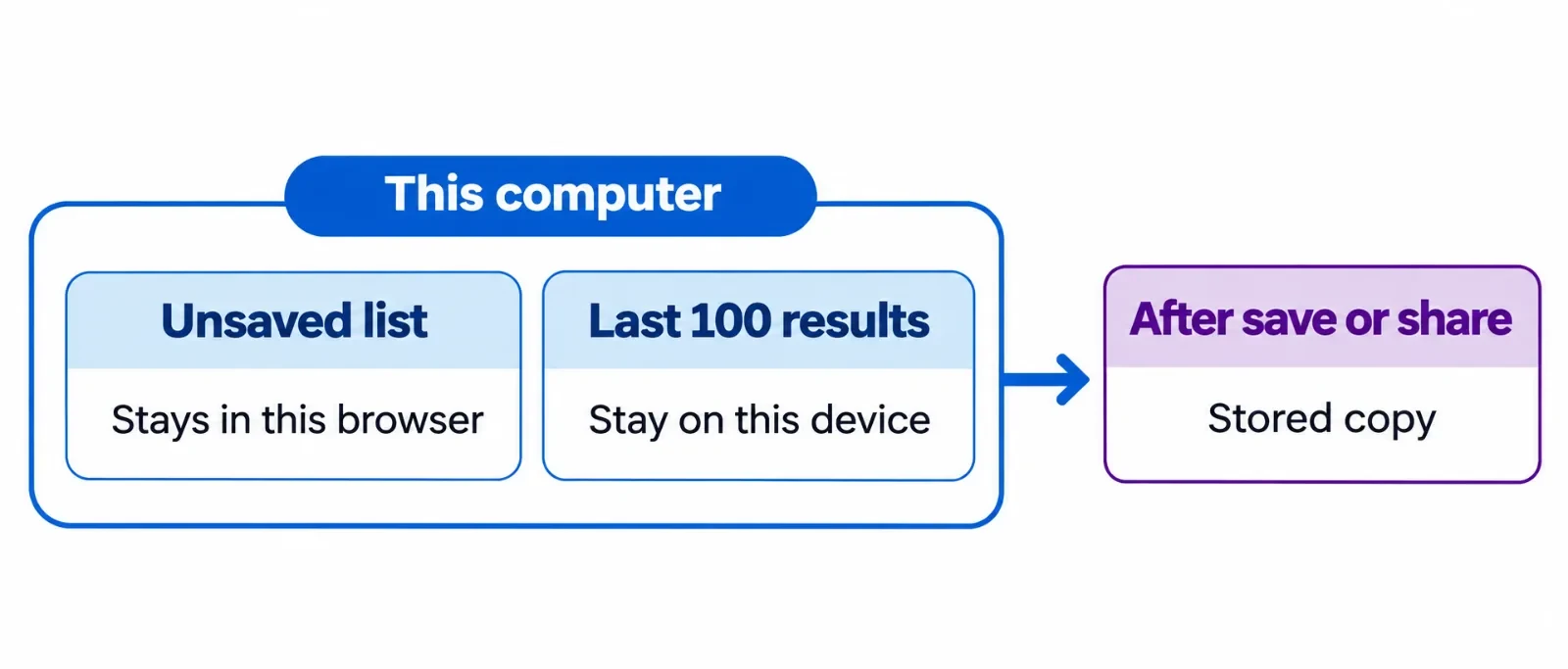
Students can watch you spin without creating an account. The names you type on an unsaved wheel stay in the browser on that computer, and the wheel settings stay with them. Come back in that same browser and the draft is still there. Another computer opens an empty editor until you load a wheel you saved.
Where the class list sits
On this computer
The editor also keeps the last 100 results in that browser. The next person who uses the same profile can open the draft and those names. At the end of the period, clear the list before you leave the computer. If you clear site data for SpinWheelPlus, the unsaved draft and those 100 results are removed together.
Cookies are separate from the class list. The Privacy Policy covers them.
When the link has to open somewhere else
Save the wheel, publish it, or create a share link, and SpinWheelPlus stores a copy of the slices. The link opens that copy, including on a projector. Read every name before you pass the link on. If someone outside the class can open it, put the activity on the slices. A roster on that page is visible to anyone with the link.
A wheel page you have already published loads from SpinWheelPlus. Results during that visit stay in the tab. They stay out of the 100 results stored in your editor.
Run a spin the class can follow
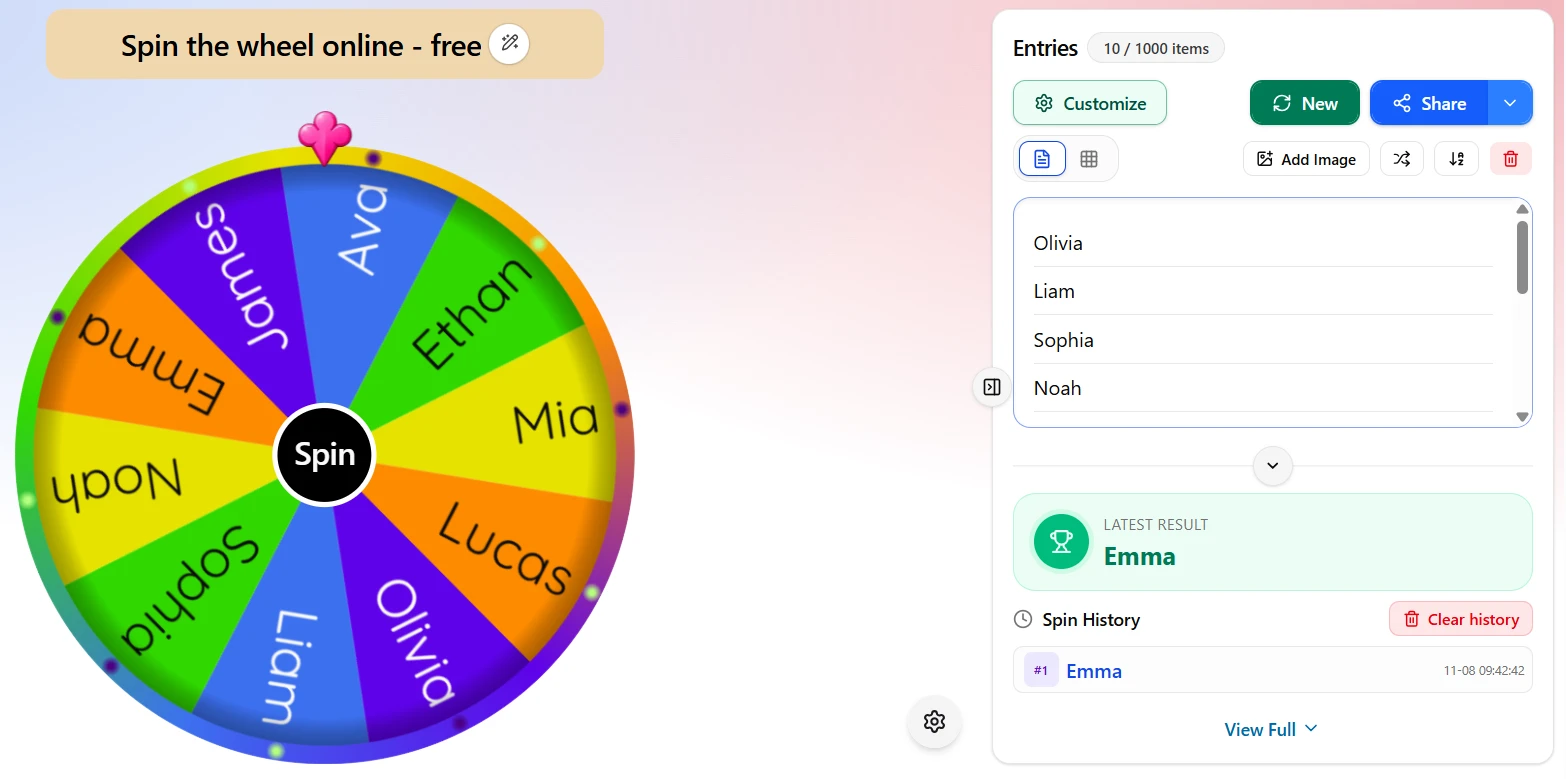
Open the spin wheel online in the browser you will teach from. There is no app to install. The editor in the picture holds ten first names, which is enough for most rooms. Initials fit when a first name is more than you want on screen. The name of the task fits when you do not need names at all.
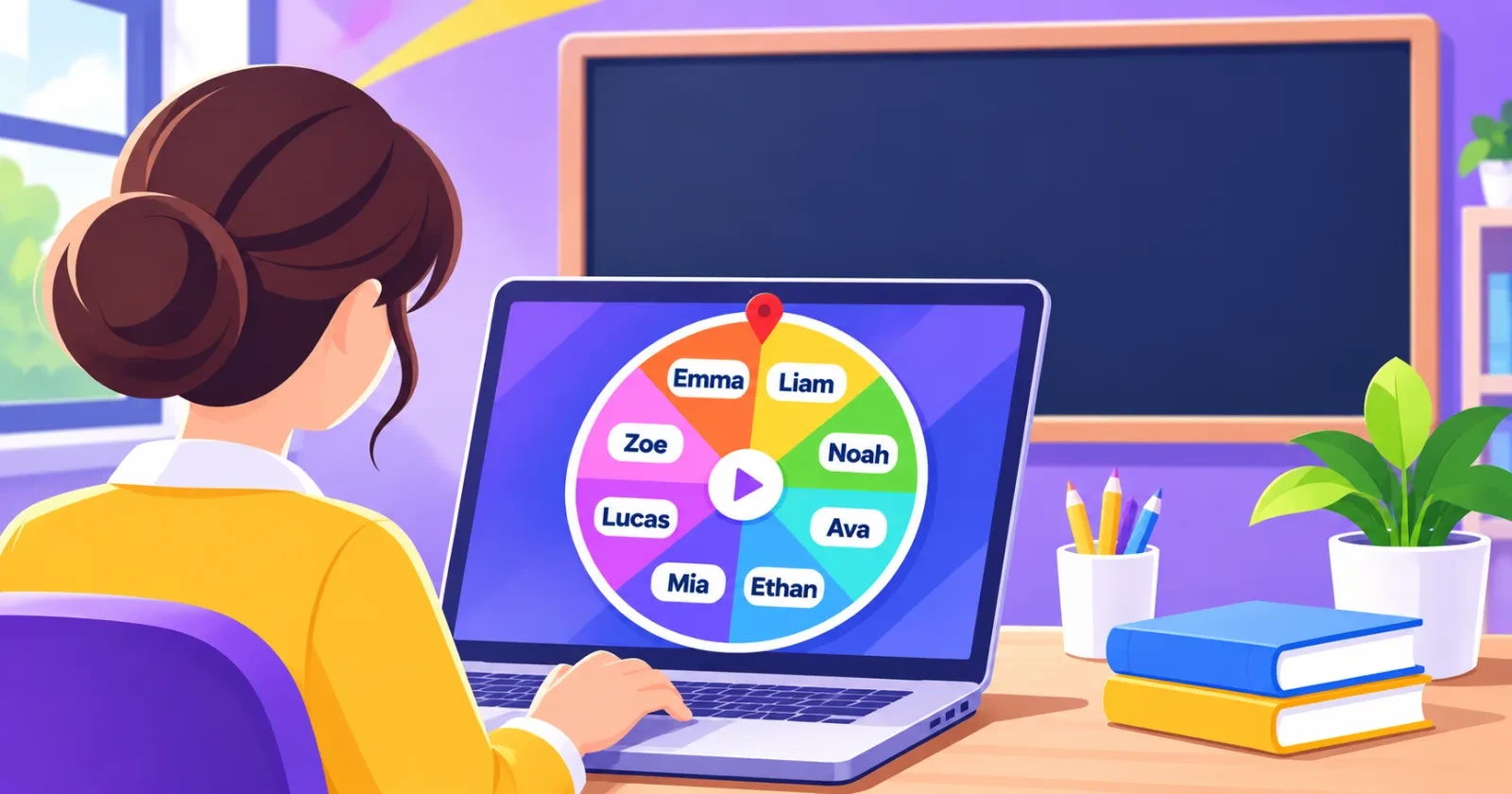
Review the wheel on your laptop before the classroom screen is on. Look for a student left off the list, a name typed twice, and a weight higher than the others. A higher weight gives that slice a larger share of the draw. Equal weights keep the chances even. The draw uses crypto.getRandomValues().
Tell the class what the spin is choosing, and whether a chosen name can come up again. Full screen is easier to read on a projector. A spin can run from 2 to 30 seconds. A new wheel starts at 6. You still decide whether the result fits that student. The disclaimer leaves that decision with the person running the wheel.
A warm-up question or today's classroom job can go on the wheel. Keep grades, punishments, health notes, and home details off the slices. More classroom wheels are in the classroom collection.